Analyses
Analyses are distributed computations within a project. They define the code, configuration, and target nodes for a federated computation.
Creating an Analysis
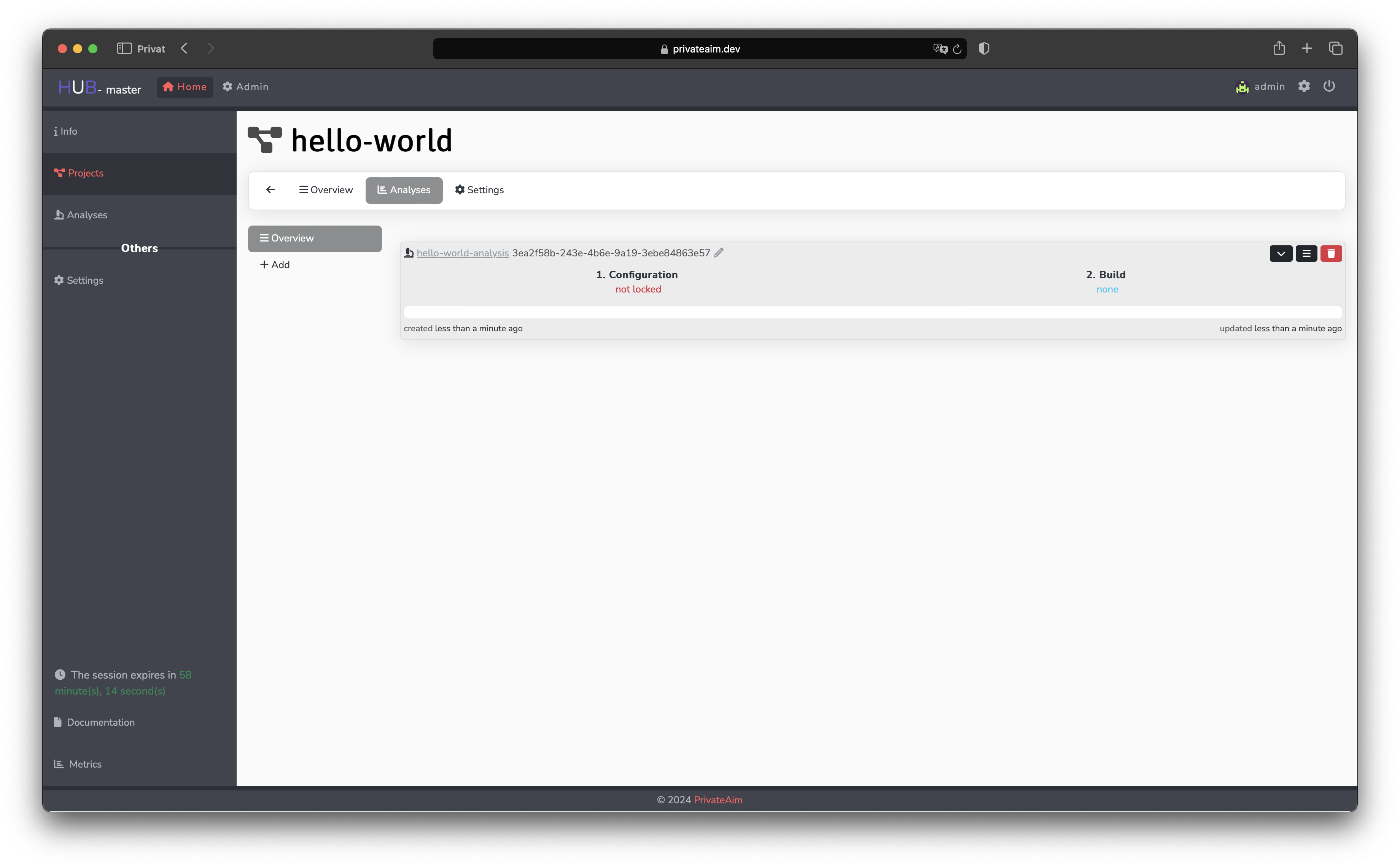
An analysis requires:
- A parent project (must be approved)
- A master image — the base Docker image for execution
- Analysis code — uploaded to a storage bucket and built into a container
Naming
Every analysis has two name fields:
name— a URL-friendly identifier (lowercase letters, digits and the characters-,_,.; no whitespace). It is required. If you do not provide one when creating an analysis, a readable name is generated automatically (e.g.brave-otter-1a2b3c). The create form also pre-fills an editable suggestion.displayName— an optional, free-form human-readable label. When set, it is shown in the UI in place of thename.
The opaque analysis id (UUID) is no longer surfaced in list views or page headlines — analyses are identified by their displayName (falling back to name).
Node Assignment
When an analysis is created, every approved node of its parent project is automatically assigned to it (as an AnalysisNode). Project nodes that are still pending project approval are skipped — once approved, they can be assigned manually.
Auto-assignment does not bypass the per-analysis approval step: each assigned node still carries its own approval decision. Aggregator nodes are approved automatically, while default nodes start pending and must be approved by the node's realm authority before the analysis can be locked.
You can still add or remove nodes afterwards. Re-assigning a node that is already attached to the analysis updates the existing assignment instead of failing, so manual selection and auto-assignment coexist safely.
Execution Flow
Once approved, an analysis goes through:
- Configuration — storage buckets are provisioned, configuration is locked
- Build — the worker builds a Docker image from the analysis code and master image
- Distribute — the container image is pushed to target node registries
- Execute — nodes pull and run the container against their local data
- Complete — results are collected and stored
API Endpoints
| Method | Endpoint | Description |
|---|---|---|
GET | /analyses | List analyses |
POST | /analyses | Create analysis |
GET | /analyses/:id | Get analysis details |
PUT | /analyses/:id | Update analysis |
DELETE | /analyses/:id | Delete analysis |
GET | /analysis-buckets | List analysis storage buckets |
GET | /analysis-bucket-files | List analysis bucket files |
Analysis Buckets
Each analysis can have associated storage buckets for input data, code, and results. Buckets are managed by the Storage service and provisioned automatically during the configuration phase.