Project & Analysis Approval
Hub supports administrator approval workflows for projects and analyses. These ensure that federated computations are reviewed before execution.
Project Approval
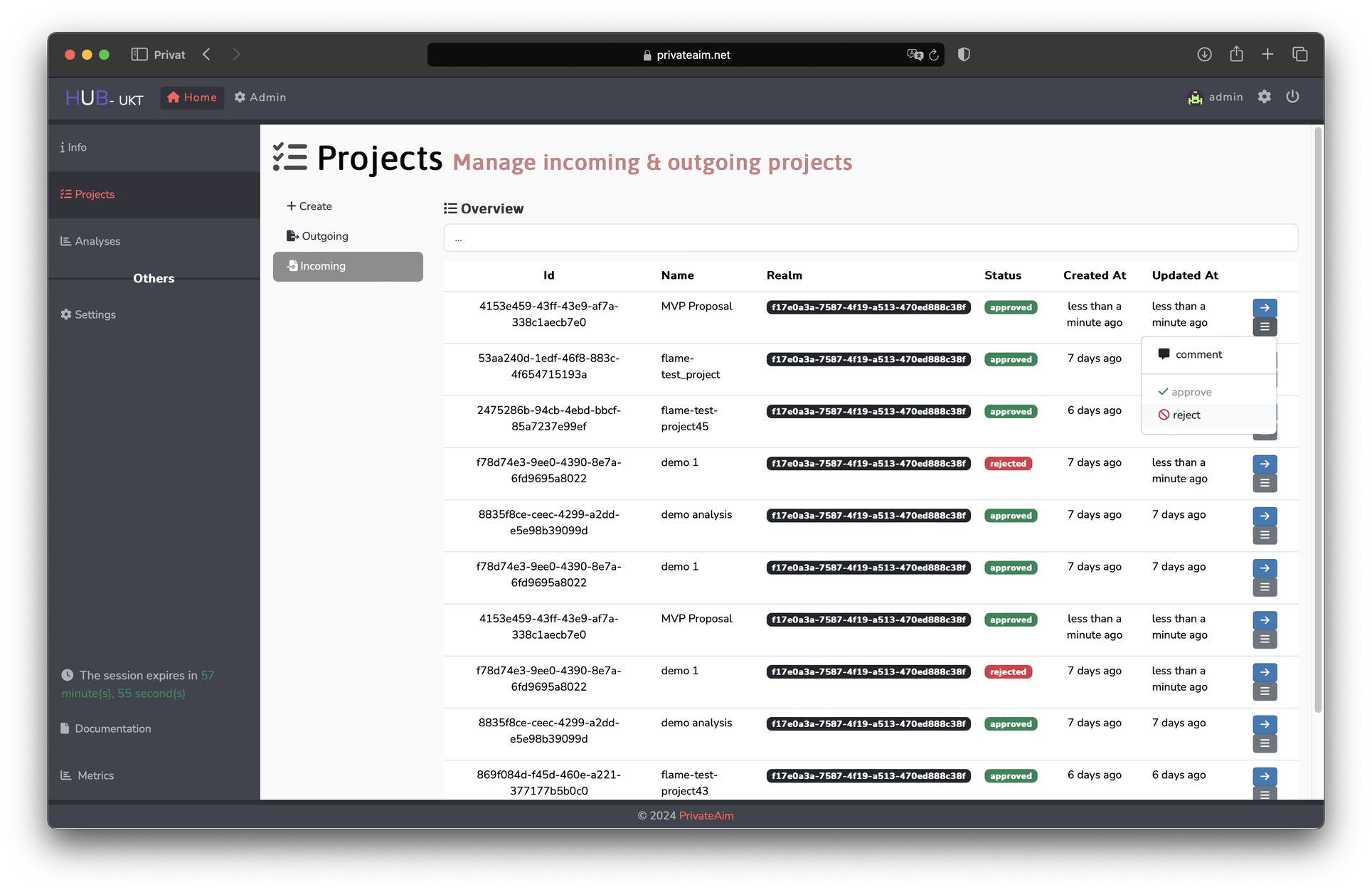
Projects represent collaborative research efforts. When a user creates a project:
- The project enters a pending state
- An administrator reviews the project details (description, risk assessment, data requirements, selected nodes)
- The administrator approves or rejects the project
- Only approved projects can have analyses created
Analysis Approval
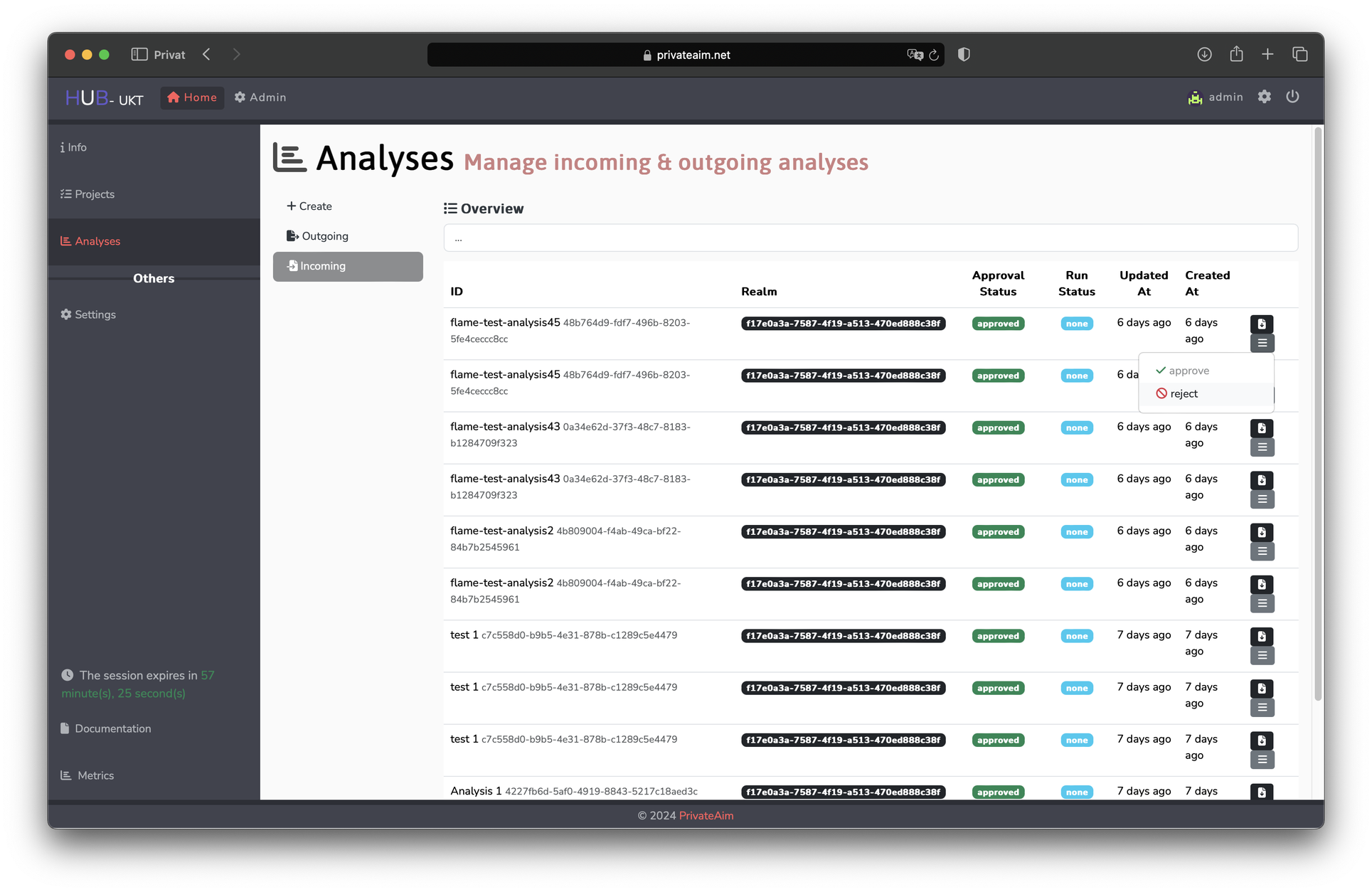
Analyses are distributed computations within a project. When a user submits an analysis for execution:
- The analysis enters a pending state
- An administrator reviews the analysis configuration (code, selected nodes, master image)
- The administrator approves or rejects the analysis
- Approved analyses are queued for execution by the worker service
Analysis Execution Flow
Once approved, an analysis goes through:
- Build — the worker builds a Docker image from the analysis code and master image
- Configure — storage buckets are provisioned, configuration is locked
- Distribute — the container image is pushed to target node registries
- Execute — nodes pull and run the container against their local data
- Complete — results are collected and stored
Skipping Approval (Development)
For development and testing, approval workflows can be disabled via environment variables on the Core API:
bash
SKIP_PROJECT_APPROVAL=true
SKIP_ANALYSIS_APPROVAL=true
WARNING
Never disable approval workflows in production environments.